Download the 4chokka App and skip the browser
One file, 52 MB, straight from this page. The 4chokka app keeps the cashier, the tables and your balance in a single window, so a bKash top-up is one tap instead of five. It runs on Android 6.0 and newer and costs nothing to install.
- 18+ Only
- SSL Encryption
- 24/7 Live Chat
- bKash & Nagad
4chokka.apk · 52 MB · Free · Android 6.0+ · 18+ · Play Responsibly
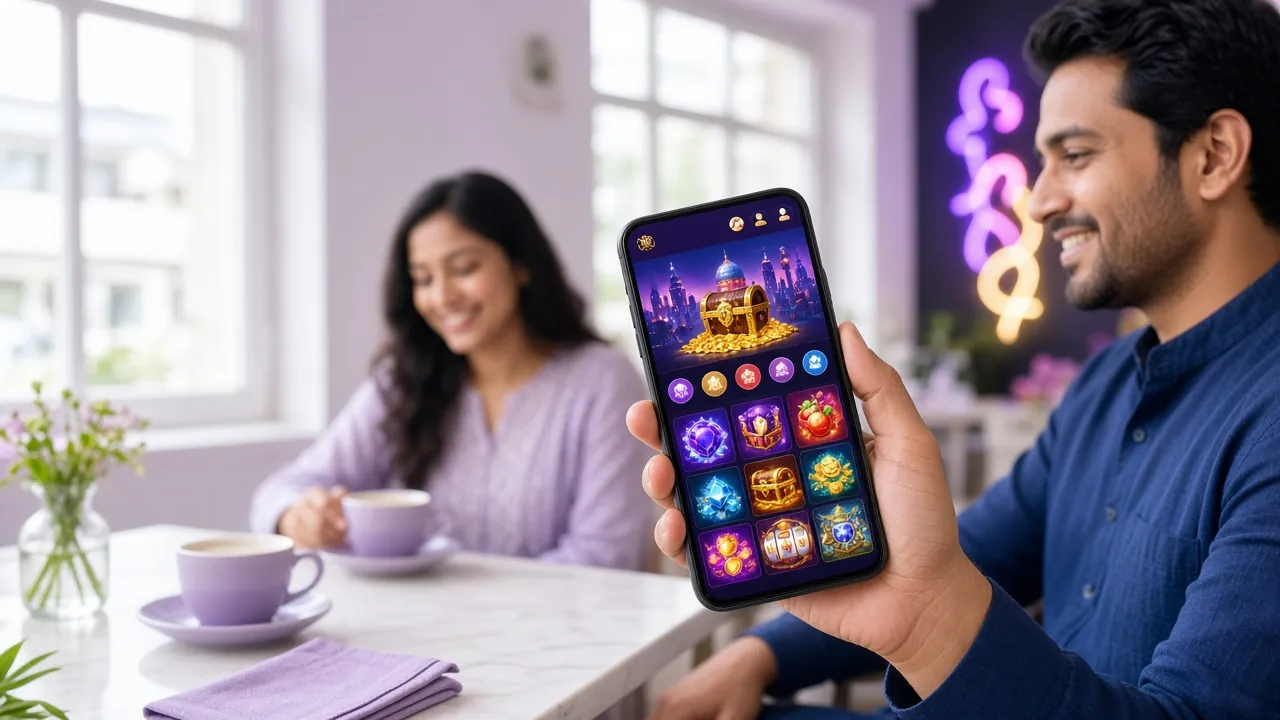
What you get in the 4chokka App download
The download is a single APK file, not a store listing. You tap once, the phone saves 4chokka.apk, and you run the installer yourself. Nothing sits on your phone in the background, and no account is opened until you fill the form.
| Version | 3.2.0 |
|---|---|
| File name | 4chokka.apk |
| File size | 52 MB |
| Android | 6.0 and newer |
| Last updated | 16 Nov 2026 |
| Price | Free |
| Languages | English, Bangla |
Saves as 4chokka.apk · 52 MB · no store account needed
On an iPhone, add 4chokka to the home screen
There is no iOS build of the app, so Safari does the work instead. The result looks close: an icon on your home screen, a full-screen window, no address bar. Same login, same cashier, same tables.
- Open the site in Safari. Chrome on iPhone cannot add pages this way, so switch to Safari first.
- Tap the Share button. It sits in the middle of the bottom bar, a square with an arrow leaving it.
- Choose Add to Home Screen. Scroll the share sheet until you find it, then confirm the name 4chokka.
- Sign in from the new icon. Use the same number and password, or register if the account is still new.
 Ganesh Fortune
 Money Coming
Two taps from the icon to a spin
- No lobby walk. The games you opened last week stay on the home strip.
- Cashier built in. bKash, Nagad, Rocket, Upay and bank transfer in one list.
- Same account. The website and the app share one balance and one history.
- Small footprint. 52 MB installed, and the cache can be cleared any time.
Installing the APK on an Android phone
Five steps, one prompt from Android you have to say yes to. The whole thing fits between two cups of tea, and you only repeat it when a new version lands.
-
01
Let your browser install files
Open Settings, then Apps, then Special app access, then Install unknown apps. Pick the browser you download with and switch Allow on. Recent Android versions ask this per app, so do it once for Chrome and once for anything else you use.
-
02
Pull the 52 MB file
Tap Download APK on this page while you are on Wi-Fi. The phone saves 4chokka.apk and shows progress in the notification shade. Keep the screen awake and stay in the browser; a half-saved file is the usual reason a parse error shows up later.
-
03
Open the finished download
When the bar disappears, tap the notification, or open Files, then Downloads, and tap 4chokka.apk. If Android asks which app should handle the file, choose Package Installer, not a zip viewer or a file cleaner.
-
04
Approve the install
Tap Install and give it a few seconds. Play Protect may show a scan screen, since the file did not come from Play Store. Choose Install anyway only if the address bar read 4chokka.app when the file came down. Then tap Open.
-
05
Get back into your account
Sign in with the number and password you already use on the site. If the account is new, finish the registration form first, then log in. Bonus progress and deposit history appear on the same balance you had in the browser.
Android 6.0 is the floor. Anything older will download the file but refuse to install it.
What the 4chokka App does once it is open
The app is not a shortcut icon for the website. Six things work differently because they sit closer to the phone itself.
-
A login that fits a phone
Fingerprint or face unlock after the first sign-in, so nobody types a password on a moving bus. The session survives app switches, and the cashier asks for a fresh confirmation only when money moves. Detailed steps live on the login page.
-
Cashier in two screens
Deposits usually land in 3 minutes and withdrawals in about 28 minutes. The smallest deposit is ৳150 and the smallest withdrawal ৳1,000. A first deposit takes 225% up to ৳11,500 with 11x wagering on top.
-
Tables and the cricket feed
4,900 titles from Ezugi, Evolution, Playtech, Red Tiger, JILI and Sexy Gaming, plus batting and match markets on the same screen. The casino section explains how each room type plays.
-
Alerts you actually asked for
Push messages for deposit confirmations, withdrawal approvals and the first ball of a match you saved. Categories switch on one by one; plenty of players keep the cashier alerts and nothing else.
-
Built for patchy data
When the signal weakens, the lobby drops to a lighter layout and stops loading previews. Live tables let you set the video to a lower quality, which keeps a 3G evening workable instead of frozen.
-
Help in the same window
Live chat runs 24/7 from the menu, without leaving the table. Keep the transaction ID from the cashier screen in view and an agent can trace a stuck bKash payment without asking you to log out.
Old phone, small data pack? Read this first
Most players here are on a phone with 2 GB of RAM and a daily data pack. Six settings keep the app steady on that setup.
- Keep it in phone storageSD cards are slow and get unmounted at bad moments. Settings, then Apps, then 4chokka, then Storage, then move it to internal memory.
- Play slots when the signal is weakLive dealer rooms stream video. Reels and card games only exchange small updates, so they hold up on a bad line.
- Lower the live stream qualityInside a live room, open the quality selector and take the lowest setting. The cards stay readable at a fraction of the data.
- Trim notificationsEvery push wakes the radio. Keep cashier alerts and one cricket reminder; switch the rest off in the app menu.
- Update on Wi-FiA 52 MB installer over mobile data eats a large slice of a daily pack. Save the download for a home or shop connection.
- Clear the cache monthlySettings, then Apps, then 4chokka, then Storage, then Clear cache. That drops old game images only; your account and balance stay untouched.
App or browser: which one fits your day
Both doors lead to the same account. What changes is how much the phone has to work for you, and how quickly a bet or a top-up gets done.
The installed app
- Speed
- Opens into the lobby in one tap. No address bar, no reloading the page you left yesterday.
- Data use
- Saves game images after the first load, so repeat visits cost far less than a fresh page each time.
- Notifications
- Push arrives even when the app is closed: deposit confirmed, withdrawal approved, match starting.
- Install and updates
- One 52 MB file, then a manual reinstall when a new version lands. Allow installs again if Android has forgotten the permission.
- Best for
- Daily players on their own phone who want the cashier one tap away.
The mobile browser
- Speed
- Loads from scratch each visit. On 3G the first screen can take a while, especially with images.
- Data use
- Nothing is stored on the phone, but the same pages are fetched again, so the total is higher over a week.
- Notifications
- Only while a tab is open. Close the browser and the alert never reaches you.
- Install and updates
- Nothing to install and nothing to reinstall. Bookmark the page and it is always current.
- Best for
- A borrowed or shared phone, a first look, or a single bet on a match night.
A practical middle: install the app on the phone you use daily, and keep the browser for a friend's device or a work laptop.
When the install does not go through
Five failures cover almost every case we hear about. Match your screen to the row and work down the fix column.
| What you see | Why it happens | What to do |
|---|---|---|
| Your phone blocks the install | The browser has no permission to install apps, which is the default on newer Android. | Settings, Apps, Special app access, Install unknown apps, choose your browser, switch Allow on, then reopen the file. |
| Parse error, or a problem parsing the package | The file stopped downloading halfway, or the phone runs something older than Android 6.0. | Check the Android version under About phone. Delete the partial file, then download again on Wi-Fi and confirm it reads 52 MB. |
| Not enough storage space | The installer needs the download plus room to unpack it, so 52 MB is not the real figure. | Free at least 200 MB. Clear WhatsApp videos and old screenshots, and make sure the file lands in phone storage rather than the SD card. |
| The app opens, then closes | Leftover data from an older build, or an outdated system WebView. | Settings, Apps, 4chokka, Storage, Clear cache, then restart the phone. Update Android System WebView from Play Store and install version 3.2.0 again. |
| The download sits at 0% or restarts | Operator throttling, a captive login page on public Wi-Fi, or an in-app browser inside Facebook or Messenger. | Switch to Wi-Fi or a different operator, then open 4chokka.app in Chrome itself rather than inside a social app and tap Download APK there. |
Still stuck? Live chat is staffed 24/7 and can confirm the current file size and version before you try again.
Questions that come up right after downloading
Six things players ask in chat within the first hour.
Is the 4chokka APK safe to install?
Does installing the app change my account or balance?
How do I update the app when a new version lands?
Why does it ask for storage or notification permission?
Can I install it on an iPhone instead?
Will it run on an older or cheaper Android phone?
The file is small. The setup is quick.
Install the 4chokka app, sign in with your usual number and your first bKash top-up is three taps from the home screen. Everything else, from the 225% first deposit to the withdrawal queue, runs on the same balance.
Download APK4chokka.apk · 52 MB · Android 6.0+ · 18+ · Play Responsibly